Scope
Adapter requirements need the complete board context. A controller chipset name does not establish board manufacturer, firmware, license, support, or fit.
Request preparation
Provide platform, speed, ports, host interface, bracket or form factor, exact board reference, firmware or OEM version, quantity, and related optics or cable needs.
Technical parameters and selection boundaries
Published configurations differ by manufacturer and exact part number. These are selection dimensions, not one combined specification.
| Parameter | Documented example or choice | Verify for this request |
|---|---|---|
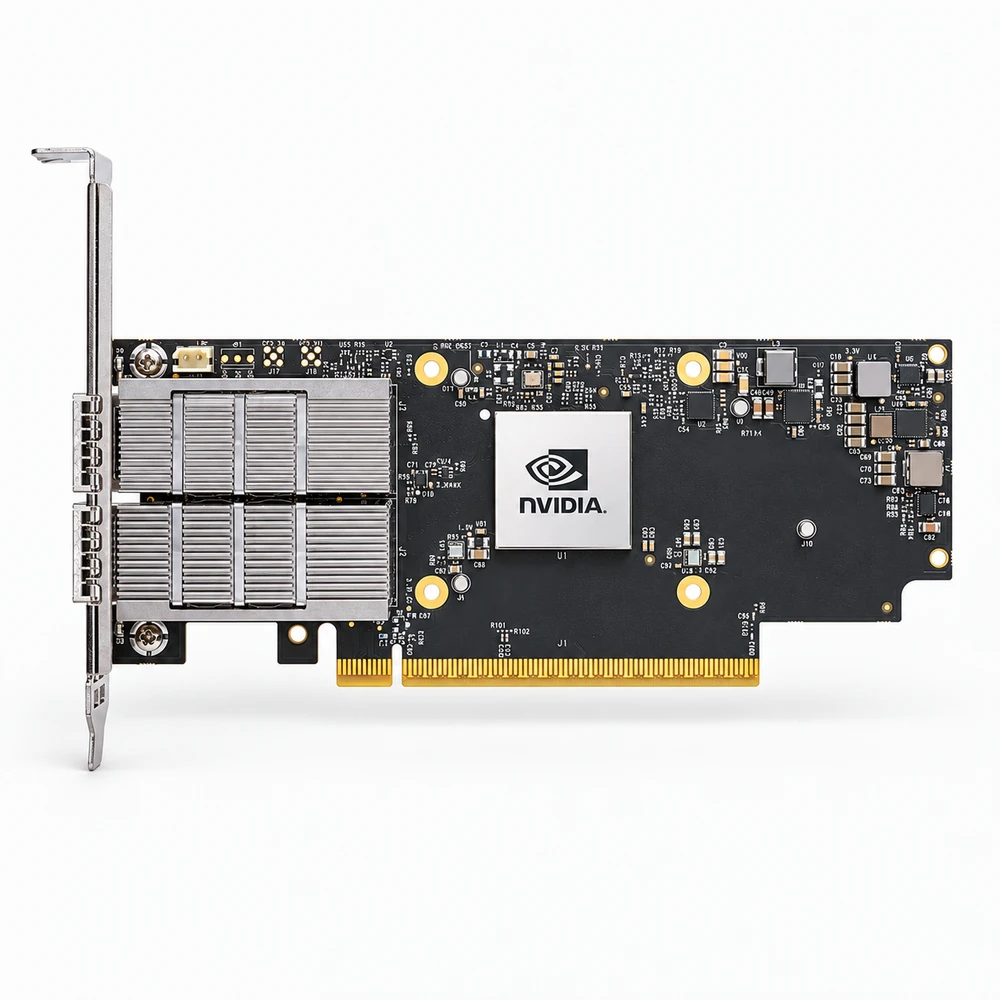
| Host and physical interface | The reviewed ConnectX-7 variants use PCIe Gen 4.0/5.0 x16 and one OSFP network port. | Do not substitute OCP, dual-port or QSFP variants by family name alone; match the complete ordering code and slot. |
| Ethernet rate depends on suffix | MCX75310AAS-NEAT lists up to 400 Gb/s Ethernet; MCX75310AAS-HEAT lists up to 200 Gb/s. | Confirm configured protocol, supported cable/module and host bandwidth. The two suffixes are not equivalent. |
| Card dimensions | Half-height, half-length: 68.90 × 167.65 mm for these variants. | Check the actual bracket, slot, riser and chassis airflow rather than treating board dimensions as guaranteed chassis fit. |
| Typical power with passive cables | PCIe Gen 5.0 x16 condition: MCX75310AAC-NEAT 25.9 W; MCX75310AAS-NEAT 24.9 W; MCX75310AAS-HEAT 16.7 W. | These are typical passive-cable cases, not maximum system budgets. Active optics and thermal design require the full specification. |
| Operational environment | 0–55 °C and 10–85% RH are listed for the reviewed variants. | Required airflow and maximum electrical/thermal design are in a separate restricted specification; do not infer them from ambient limits alone. |
| Storage environment | −40–70 °C and 10–90% RH when not operating. | The manufacturer states the storage-temperature limit applies without the product package. Keep operating and storage requirements separate. |
Standard configurations and project options
| Configuration area | Documented option | Project decision |
|---|---|---|
| Security variant selection | MCX75310AAC-NEAT lists secure boot and crypto enabled; MCX75310AAS-NEAT lists secure boot enabled with crypto disabled. | Retain the complete suffix and validate the required feature set, firmware and applicable controls for the project. |
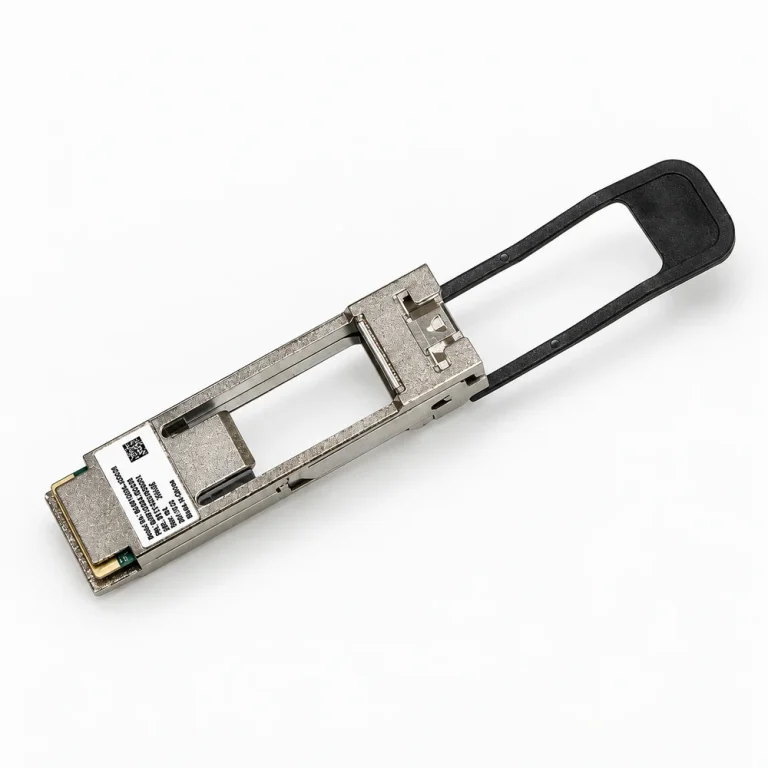
| Media and host qualification | Select the exact port protocol and the supported cable or module for the chosen board. | Electrical C2M protocol support does not make every optical reach or third-party module supported. Obtain the applicable compatibility evidence. |
Representative models and configurations
Examples illustrate real product variation. A listed manufacturer or model is not a statement of our stock, authorization, or confirmed availability.
| Manufacturer / series | Published configuration | Important scope |
|---|---|---|
| NVIDIA MCX75310AAS-NEAT | Single OSFP; up to 400 Gb/s Ethernet; PCIe Gen 4/5 x16; secure boot enabled, crypto disabled. | Exact hardware-manual variant. Confirm firmware, driver, port mode, bracket and current support before accepting a substitute. |
| NVIDIA MCX75310AAS-HEAT | Single OSFP; up to 200 Gb/s Ethernet; PCIe Gen 4/5 x16; secure boot enabled, crypto disabled. | Exact hardware-manual variant. Confirm firmware, driver, port mode, bracket and current support before accepting a substitute. |
Applications and procurement context
- For an Ethernet adapter upgrade, match the server slot and host lanes, board suffix, required rate, network port and selected media. Include power and airflow requirements in the RFQ rather than selecting only by peak link speed.
Compatibility, current supply, lead time, origin, and acceptance documents must be confirmed for the actual order.